
Vocabulary for iPhone
Stellar Vocab: new words, kept.
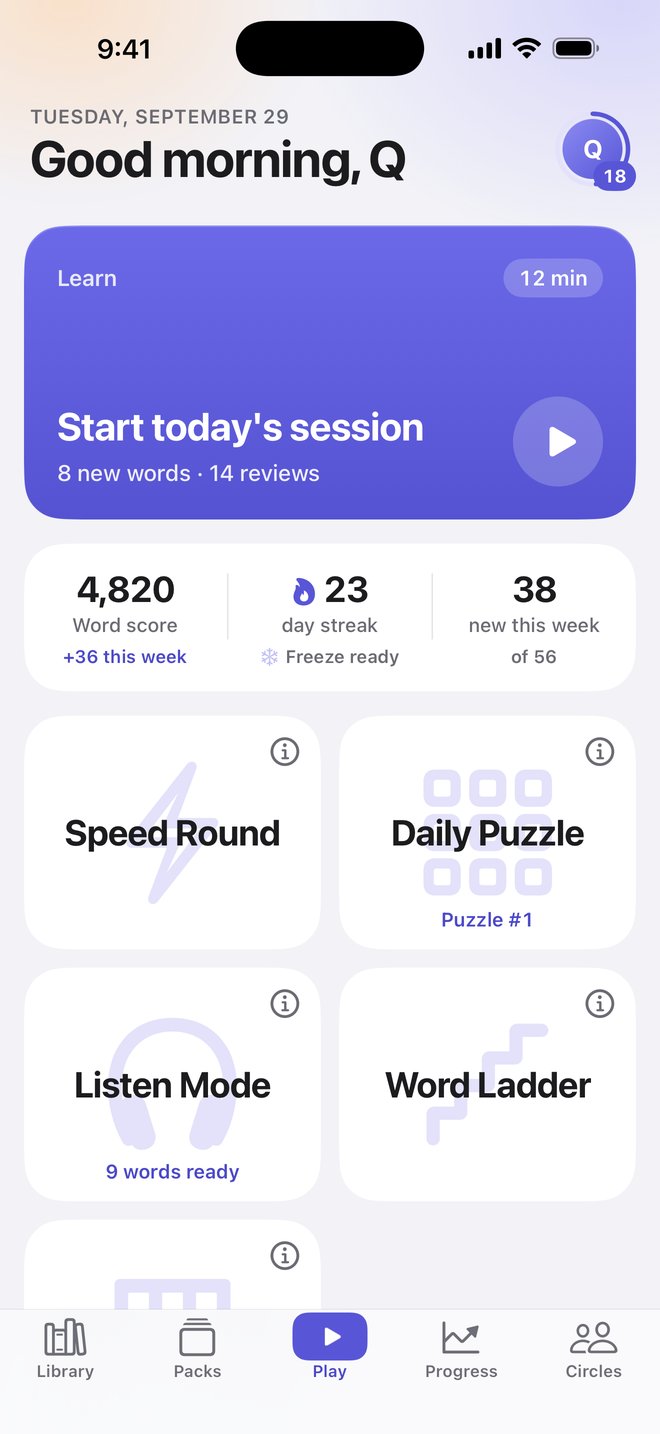
A few minutes a day with words at your level. Practice each one from its meaning to your own sentence, watch it climb to Mastered, play word games with it, and learn alongside friends in Circles.
A few words a day 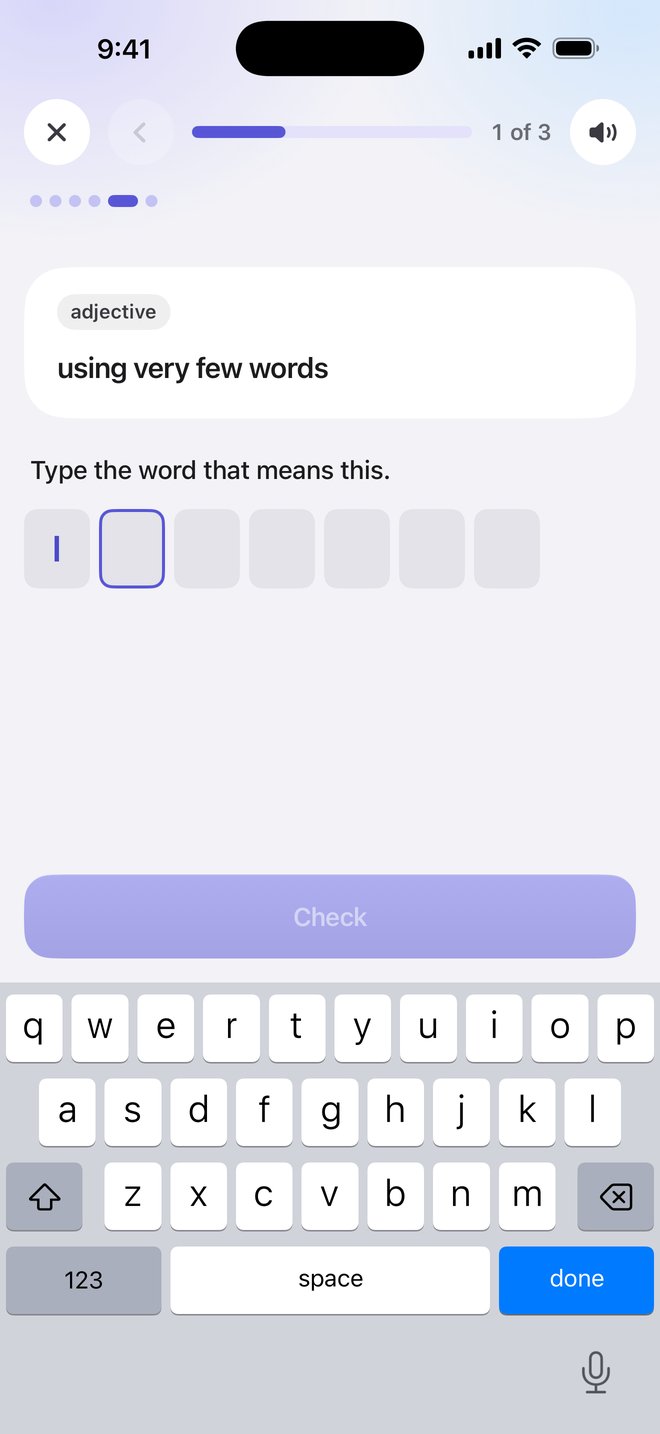
Practice, step by step 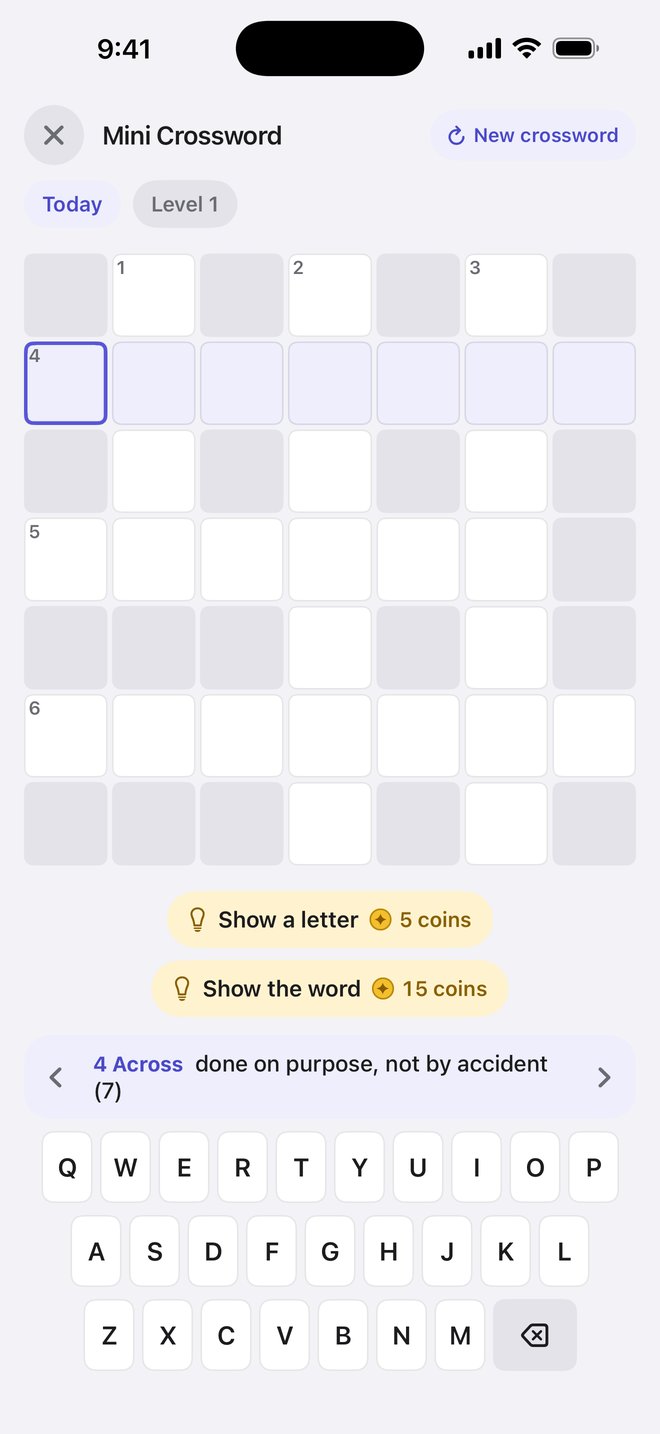
Word games 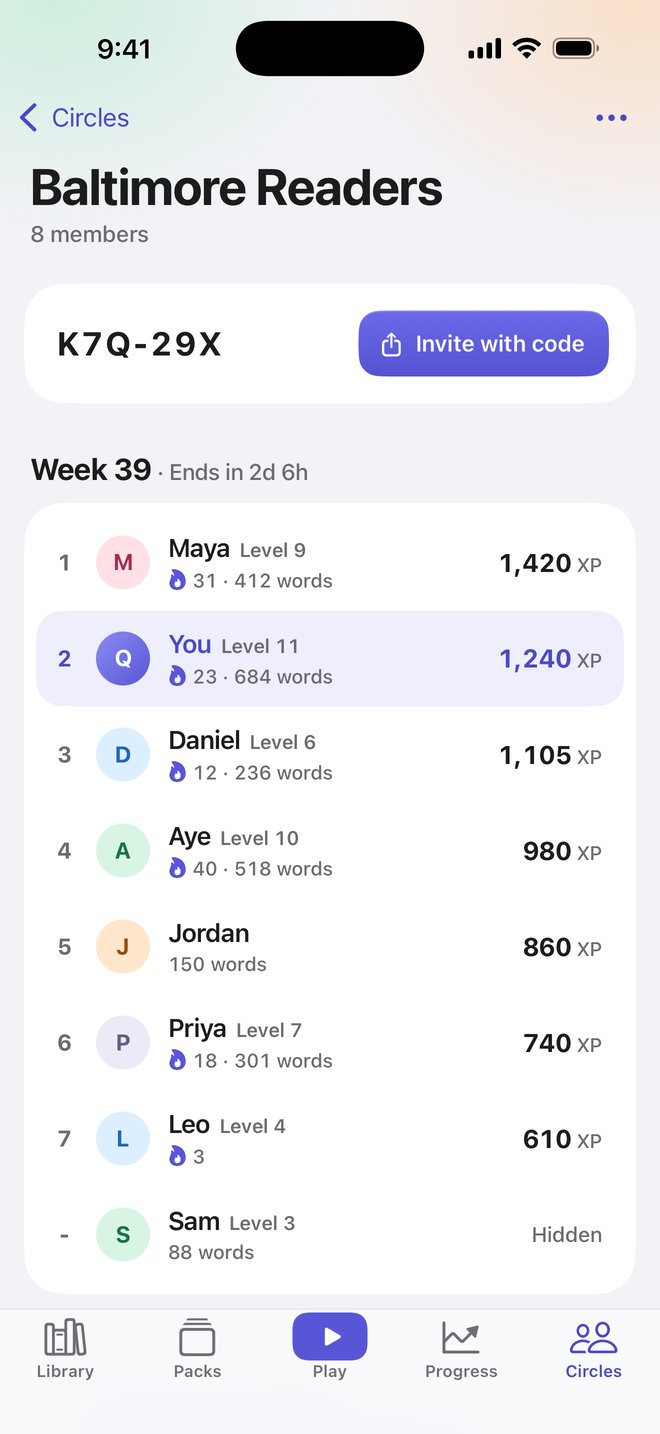
Learn with friends 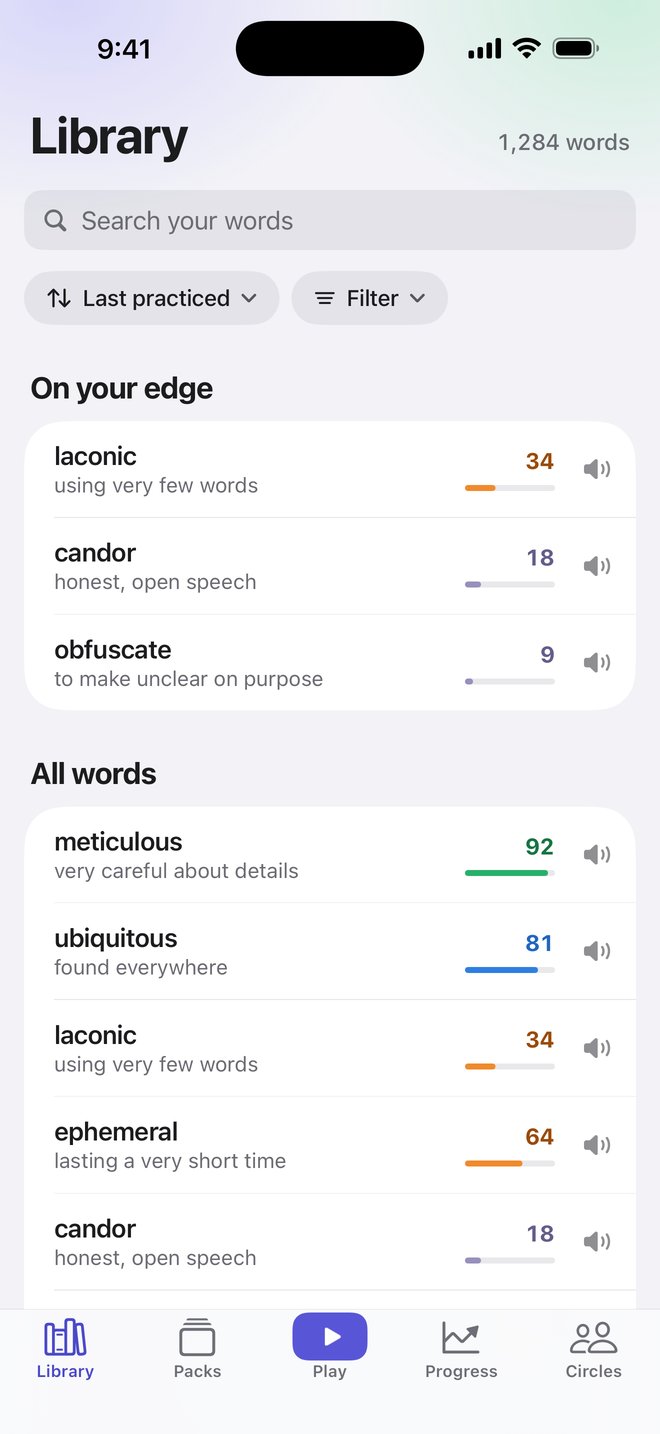
See every word grow
What it does
Daily words
Each day brings a short session of words at your level. Meet a word, hear it, see it in real sentences, then practice it until it sticks. A Daily Word to use in conversation, too.
Mastery you can see
Every word has a score from 0 to 100: New, Learning, Strong, Mastered. Misses bring a word back, and a weekly review keeps old words fresh.
From easy to hard
A word climbs from picking its meaning, to hearing and matching it, to spelling it, to using it in your own sentence, typed or spoken.
Word games
Speed Round, Daily Puzzle, Listen Mode, Word Ladder and Mini Crossword, all played with the words you are learning.
Circles
Make a Circle with friends, classmates or family. See each other’s weekly XP and streaks, and choose which of your stats they see.
Word packs
Packs for everyday topics like money, health, work and travel, the Academic Word List, and packs for the GRE, SAT and TOEFL / IELTS.
Plans
Daily practice is free forever. Prices are shown in the app.
- Free
- Daily words, the Daily Word, streaks, the weekly review, games, Circles, themes and the widget. Free forever.
- Plus
- Every topic pack and the Academic Word List.
- Pro
- Everything in Plus, and AI custom packs: make a pack from a topic, or from text you type or scan.
- Test packs
- GRE, SAT and TOEFL / IELTS. Each is a one-time purchase.
Plus and Pro renew automatically unless cancelled at least 24 hours before the period ends. Manage them in your Apple ID settings. Privacy policy.